Tools / Color Converter / RGB → HSL
RGB to HSL Converter.
RGB to HSL re-expresses the three additive channels as a hue angle, a saturation percentage, and a lightness percentage. It's the conversion behind every 'lighten 10%' or 'desaturate' operation in a design system.
Not a recognizable RGB color.
All formats
The RGB → HSL formula
Normalize to 0-1. L = (max+min)/2. S = 0 if max==min else (max−min)/(1−|2L−1|). H = 60° × the offset of the max channel.
Worked example
Convert rgb(154, 42, 42):
- Normalize → (0.604, 0.165, 0.165)
- Max = 0.604 (red), Min = 0.165
- L = 38%, S = 57%
- Red is max → H ≈ 0° (red)
- Result: hsl(0, 57%, 38%)
Python
import colorsys
r,g,b = 154/255, 42/255, 42/255
h,l,s = colorsys.rgb_to_hls(r,g,b)
print(round(h*360), round(s*100), round(l*100)) # 0 57 38
FAQ
Why is saturation defined with lightness in the denominator?
HSL keeps perceived vividness roughly constant across lightness, so the same S means 'equally saturated' whether the color is light or dark. That requires the 1−|2L−1| term.
Paid links below. As an Amazon Associate we earn from qualifying purchases.
Library
Colour references for your next project
Compare the original references behind this archive. Check the contents, edition and format before choosing a book.
Book links are Amazon Associates affiliate links. Your price is unchanged; a small commission supports the archive. As an Amazon Associate we earn from qualifying purchases.
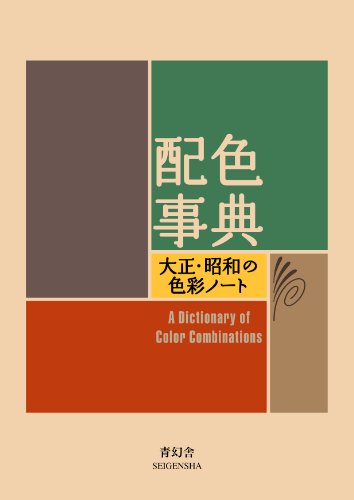
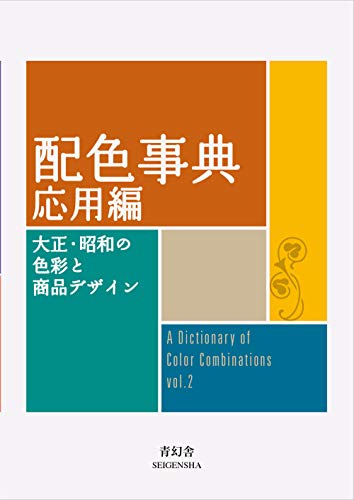
Torn between the two Wada dictionaries? Vol 1 vs Vol 2, compared plate by plate →
Book links are Amazon Associates affiliate links. Your price is unchanged; a small commission supports the archive. As an Amazon Associate we earn from qualifying purchases.